Saturday, May 21, 2016

#PLN

There are many acronyms in the educational world, but one of the most important ones in my opinion is PLN. PLN stands for Professional Learning Network. PLN’s consist of a group of professionals (in our case educators) coming together to learn and grow from one another.


In college I was told about the importance of networking over and over again in every class I attended. Phrases like, “Networking is how you will get a job.” “People want to hire people they know.” “Networking is the key to getting into the educational world.” etc. These points drove me to substitute out of college to help build those connections. I made up my own little business cards, made sure I met the office staff and principal of every school, and made sure I allowed others to come in and see me sub to give me pointers as to what I could improve on. This networking and professional learning eventually is what helped me land a job. To be honest, I can rock networking and interacting with people but when it came to the interview process, I bombed it every time. I remember my principal even saying you were recommended to me by other teachers and principals in the district who have seen you teach and believe you are a better educator than your interview. All I could remember thinking was, "oh thank goodness." In truth, all that talk about networking in college and putting it into practice actually paid off. I did still have a short interview with my principal, but it was in the hallway of a school after a beginning of the school year training. I rocked the questions, at least I think I did. I was much more relaxed and sure of what I was saying and landed the job I have today.


There is all this talk in college about networking to get your foot in the door and networking to get a job, but not a lot of talk about how important networking is once you are in the door. My first year I would have drowned if it wasn’t for the networking connections I made through subbing. I remember emailing and talking to other educators in my school district about what they were doing or how was I supposed to do this or that. I would walk  around and observe other educators in my building and try to figure out how to format what they were doing to meet my students educational needs. This networking within my district, and school, is still a very valuable cornerstone of helping me to grow and learn as an educator today. It wasn’t until I was invited to attend an Edtech Summit in Palo Alto that I learned about the global scale that networking could take on.


Attending this conference introduced me to 2 social media platforms that would allow me to connect with the people I meet and learned from in California. The first platform that has become my life source of information is Twitter. Instructors would show their Twitter handles on the presentations and ask you to follow them. I knew that I would need to stay in contact with several of them as our school was getting ready to adopt GAFE and tablets in the primary grades. The other big motivator for me to start using twitter was to earn a badge from the conference and possibly win prizes, ( I am definitely very extrinsically motivated and a tactile learner). The second platform we were introduced to was Google+. This one I used less, but what I was attracted to was the similarities it had to Facebook and Myspace, which I had used and am still using. I also loved several of the extras the platform comes with, Google hangouts being the biggest one. I took these two networking platforms home with me to Washington and utilized them to see what others were doing in education, as well as to see who was beginning to follow me. My mind was blown, I was now networking with professionals in different countries and states! I was networking, but for a new purpose of learning, not for getting a job.

I took to Twitter and decided to jump in and immerse myself in it. Instead of handing out business cards I started giving people my Twitter handle. This allowed me to gain access to individuals I have never meet in person and learn from them. It was amazing to me the power 140 characters could hold. I quickly learned about something called Twitterchats. These are live networking conversations on twitter on certain days and times. I follow a hashtag and suddenly I am networking with a whole group of educators that had something in common with myself. As I continued to follow people I learned about new ways to continue to network through both Twitter and Google+.


This last summer I was able to learn from a bunch of educators who were in a #NotatIste15 group on Google+ and Twitter, ( You can read all about that in my blog post named #NotatIste15). I learned about a new networking live streaming app called Periscope. Periscope allowed me to follow around a person who was at ISTE and who would talk to people at the conference I was able to send in questions or add comments to what they were broadcasting. I also learned about Voxer, a message recording app, like a walkie talkie system, that also allows you to send voice messaging or text to another individual or group. There are so many more networking platforms and connections that could be told about here. But for my sanity and yours I am going to leave it here.                                                   
All these amazing networking opportunities, which I will admit at times are very overwhelming, have become an integral piece of me as an educator and lifelong learner. The fact of the matter is, is that these apps and platforms are allowing me to connect, collaborate, learn and grow from people I would have never of been able to learn from before. A PLN helps me be the best educator I can be for my students, which are the most important piece of our job. The power of social media and it’s role on networking, especially in education, is something I wish all educators could experience.

Social media is ever changing and advancing and the opportunities to network with others will continually change, but do not fear it. I think that often times in education, change comes and everyone gets upset, I’ll admit I know I can be this way. The thing about social media and creating a PLN is finding what works for you. Using it to create a group of people you can learn and grow with,and to let you know that you have a support system. That is what a PLN is all about in my opinion, a group of people that you know can support you and help you grow as an educator and person. Yes, it may take you out of your comfort zone at times, but we can not grow as educators and individuals if we are always living in our comfort zone. It is not good for us as a person and not beneficial for our students. I hope you are inspired to find and embrace your PLN.

Until next time Play more, teach passionately,use tech,and be Kinder,
Lara


Wednesday, February 10, 2016

Global School Play Day 2016

Global School Play Day 2016

I initially heard about Global School Play Day (GSPD) on the Techlandia Blab show. Where @mrsfadeji mentioned how her whole school was participating in the day. She went on to describe the day, as a day with NO curriculum and promoting the importance of unstructured play. I was interested, so I opened a new tab and looked into Global School Play day. On the website I found a great TEDx video of Peter Gray talking about the decline of play with students over the last 60 years. In today's world with the raise of technology we have been able to utilize and play with great new resources in the educational world and beyond. I will be the first one to praise the use of technology in all classrooms with all students.  Technology has also has brought forth a shift of how we play and interact with others, leaving students who come to school not knowing how to interact with others in a social face to face environment that is often associated with interactive play. If you have read my previous post or follow me on Twitter you will see how important I think play is in my classroom.

I emailed the link to my principal saying I am thinking of participating in this day and seeing if any other classes would like to join me. I then sent the link to my teaching team ( other Kindergarten teachers at our school) saying hey do you think you would like to do this in Kindergarten. They instantly responded back saying YES. My principal came in and talked to me the next day saying, “ so this play day thing is for 30 minutes in a day, right?” I said, “ No. it’s suppose to be a full day of unstructured play.” He asked what if an administrator from district walked in, how would you justify not using the curriculum. I told him that we would still have targets for that day related to ELA, Math, and Social Skills. He then said ok, we will use you guys as the test run for our school this year, see how it goes and then maybe invite more people to do it next year.  

As a team we came together to make the targets for the day and discuss how we would justify the day if admin walked in. Our targets included: I can take turns, I can play nicely with others, I can follow the rules, I can read,say,and write sight words, I can count by ones to 20, and I can add numbers together to find a total. As a team we decided that this being our first GSPD, we were going to have a very loose structure to the day. With Kinder classes of 24,24, and 25 students we were a little worried about giving up all control. So we decided to have designated loose schedule here it is:
AM
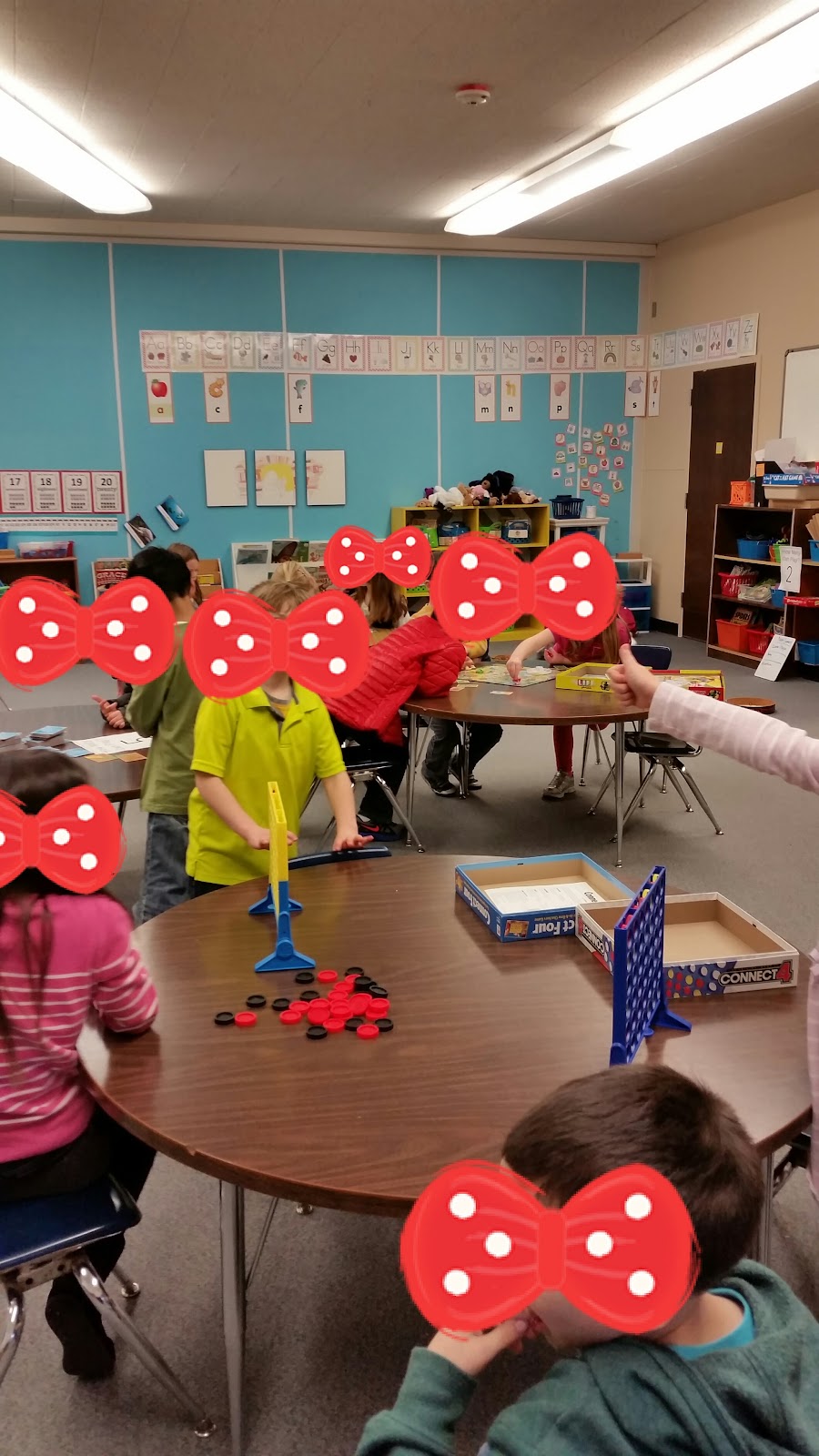
Board games, Sight words, alphabetical practice games
Outdoor instructional learning through play time
Snack/Recess
PM
Habitat walk, talking about what makes its habitat in our own backyard
Playdough and Craft time
Free play time
Mathematical instruction with addition games
Possible learning through movement in the gym
Guest reader

The schedule helped to give us a little structure also be able to get to everything the students brought in. Notice no times, just kind of a feel the crowd moment for us as teachers. When we started to see more kiddos bored, tired, or saying I’m done we would adjust to something else on the schedule.

To prep for GSPD we decided it would be easiest to have Ziploc bags for each student to bring their toys and games in. We attached a letter outlining the basis of Global School Play Day and a piece of paper for them to write what they brought to school. Here is the letter we sent home that was attached to the Ziploc baggie :


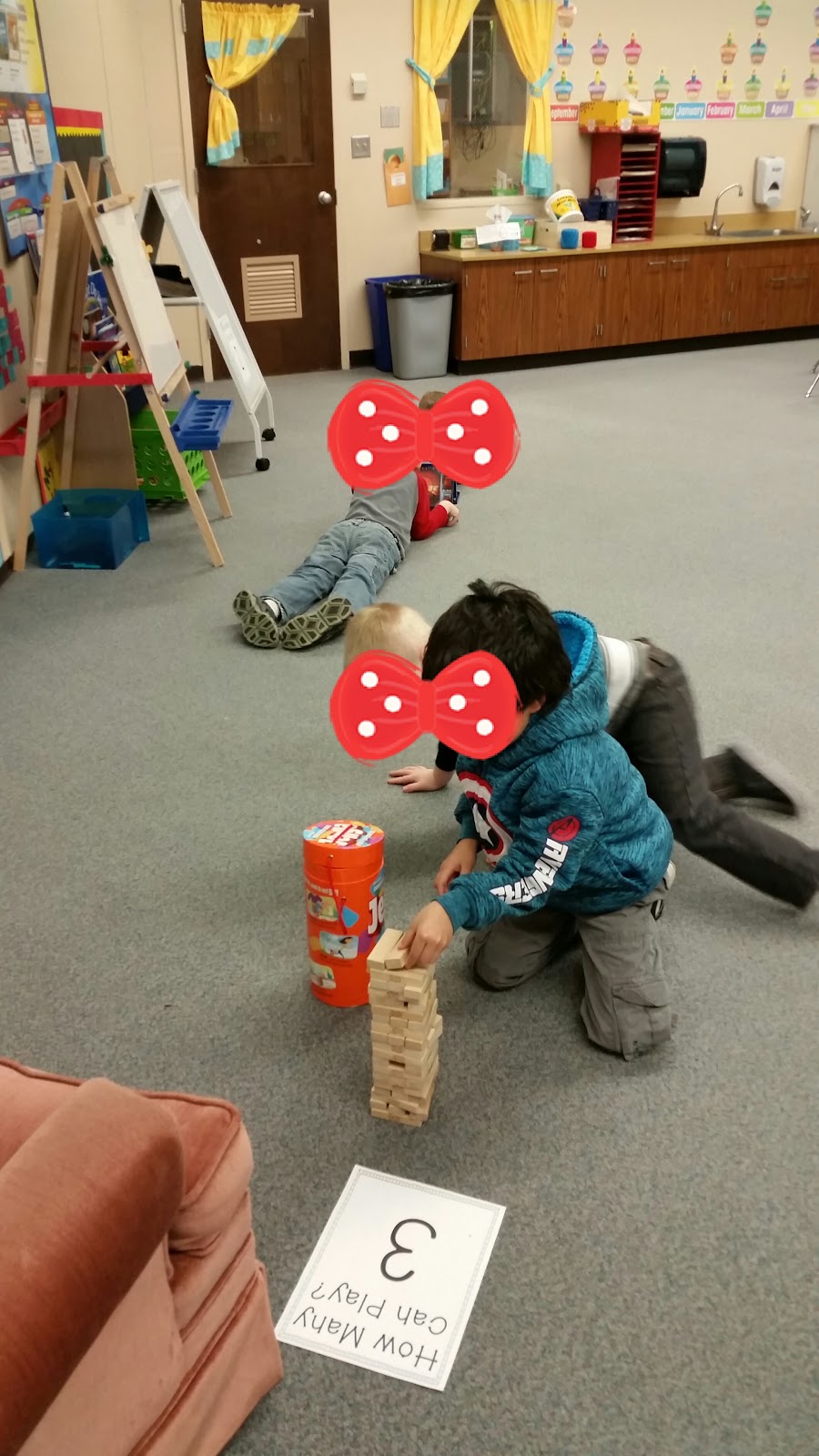
The day finally arrived I was really nervous and really excited. My students came in super excited. I explained to the volunteers how we were going to start with board games, and activities that had to do with Reading, Writing, Grammar, or Phonics. I had pre-printed some wonderful signs I had gotten in Tara West’s Math Centers Super Pack 3 on Teachers Pay Teachers, it included signs for how many people can play at each center,we used it to tell how many students could play each game. I found this helped right off the back as lots of students rushed to one or two games, and the students had to count and look at the sign and problem solve who was going to have to leave for the time being. The students had a wonderful morning of play. When we went to specialist, I asked what did you learn this morning. The student’s piped up and answered, “ How to share and take turns.” “How to solve our own problems.” “That I like center times when the class is quiet.” “Yeah, when it is quiet I can do my job better.” At this point my jaw was on the ground! My 5 and 6 year olds verbalized exactly what I was wanting them to learn that morning. The bonus of them finally seeing the benefit of voice level during centers blew my mind. I swear these are all real things my class said, just WOW! I thought this was awesome, very powerful, and that was only with a hour and a half of play.

In the afternoon, we played with math games and toys, such as building, shapes, counting games, etc. Students got to experience some amazing games they had never played before. Jenga was popular, and opened a wonderful opportunity for me to play with my students as many of them had never played the game before. It was so nice to be able to just love on ALL of my kiddos and have fun playing a game I love. Here is a picture of some students playing math focused games.
2016-02-06 19.14.41.jpg2016-02-06 19.14.00.jpg2016-02-06 19.15.14.jpg


After about an hour of Math games they were starting to fade, having indoor recess for the 2nd day in a row at lunch time didn’t really help. The rain had let up a little, so I took the opportunity to take them outside and go for a walk. Right outside our door was a HUGE spider (EWW! Mrs. Richardson strongly dislikes spiders!), the student’s pointed it out and said hey it’s house is the school. Hey Mrs. Richardson is a spider’s habitat a wall? I thought, “did you guys read my plans for today?” YAY, for self created learning from the students! We had a wonderful conversation about where we had seen spiders before. As we walked around our conversation continued about what else has a habitat in our own backyard (schoolyard). When we got back into the classroom we did arts and craft activities for another hour. Students painted, drew, colored, built with legos, and other crafty things they came up with on their own. After art and craft time died down a little, we pulled out our toys that we brought from home and had free play time. Then at the very end of the day our school counselor came in and read the students a fun little book by Julia Cook called The Bad Case of Tattle Tongue. This was perfect, it gave me time to check bags to make sure all toys got home and clean up the paint. The students were totally on top of sitting and listening to a story at the end of the day. Then the students packed up and went home.

3 big takeaways from #GSPD2016
  1. It was so nice to be able to have conversations with the kiddos and just sit and play games, do puzzles, or cut paper and not feel the demands of the curriculum.
  2. The students learned so many social skills. They learned how to ask for help to play a game, how to problem solve their own problems, how to work independently with lots of distractions, and much more.
  3. MARBLES is the ultimate game to beat in Kindergarten. This was by far the busiest center. Students had a hard time waiting their turn but did a wonderful job and we got through everyone.

In short, Brownsville Kindergarten teachers will be participating in #GPSD2017. I highly encourage you all to join us by going to http://www.globalschoolplayday.com/ and signing up. If you have a hesitant administrator let others on Twitter know and we will come up with strategies to help try and make this wonderful day of play happen for you.


Until next time Play more, teach passionately,use tech,and be Kinder,

Lara

Saturday, January 30, 2016

Makerspaces

I know it has been awhile since I have blogged, with school starting and life I have been quite busy. I am really excited to be back and blogging. It’s amazing how therapeutic it can be to let others know what you are doing and just to get your ideas out there. So before I get to the good stuff a quick update on an exciting and eye opening adventure I got to experience recently.

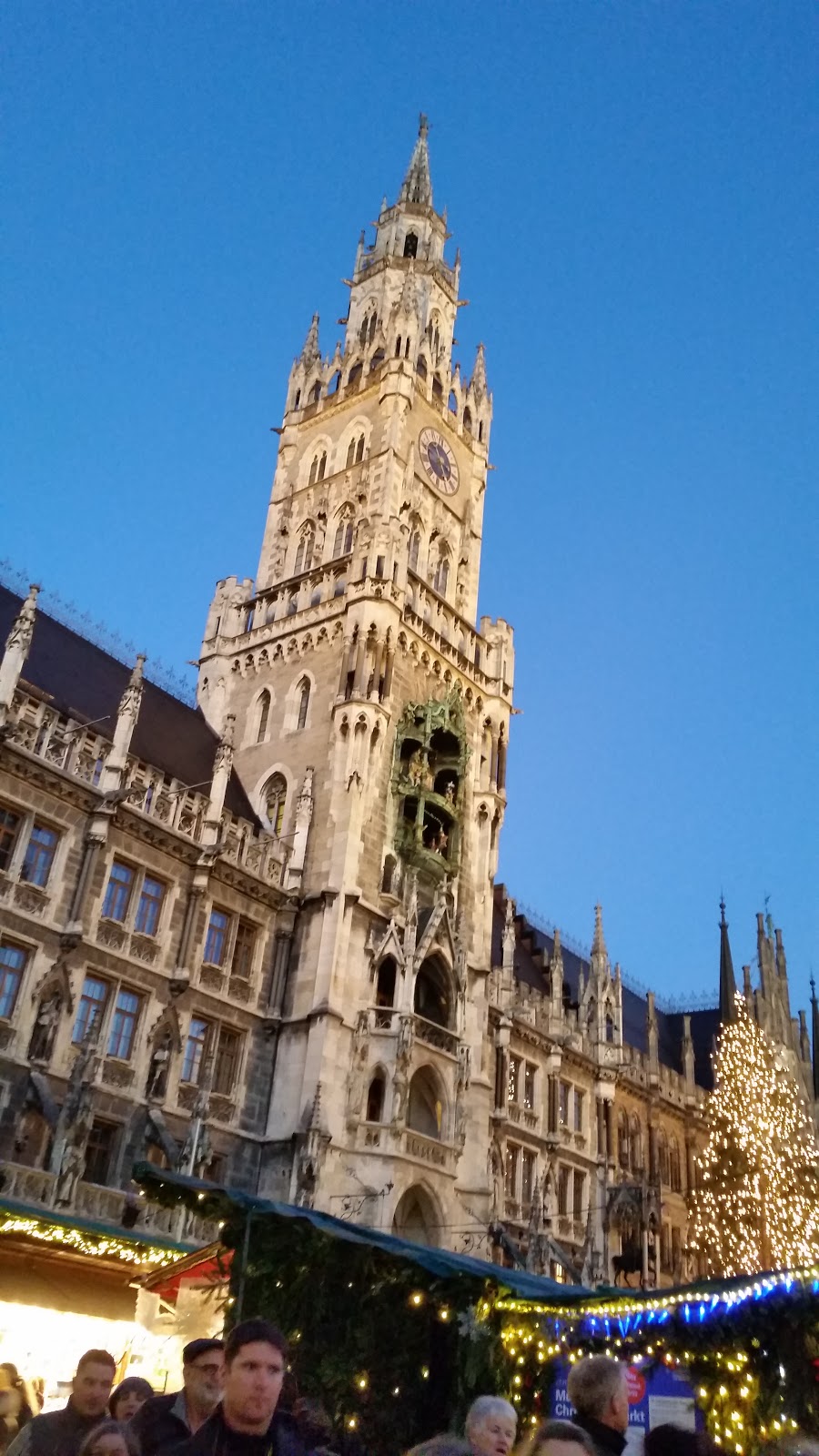
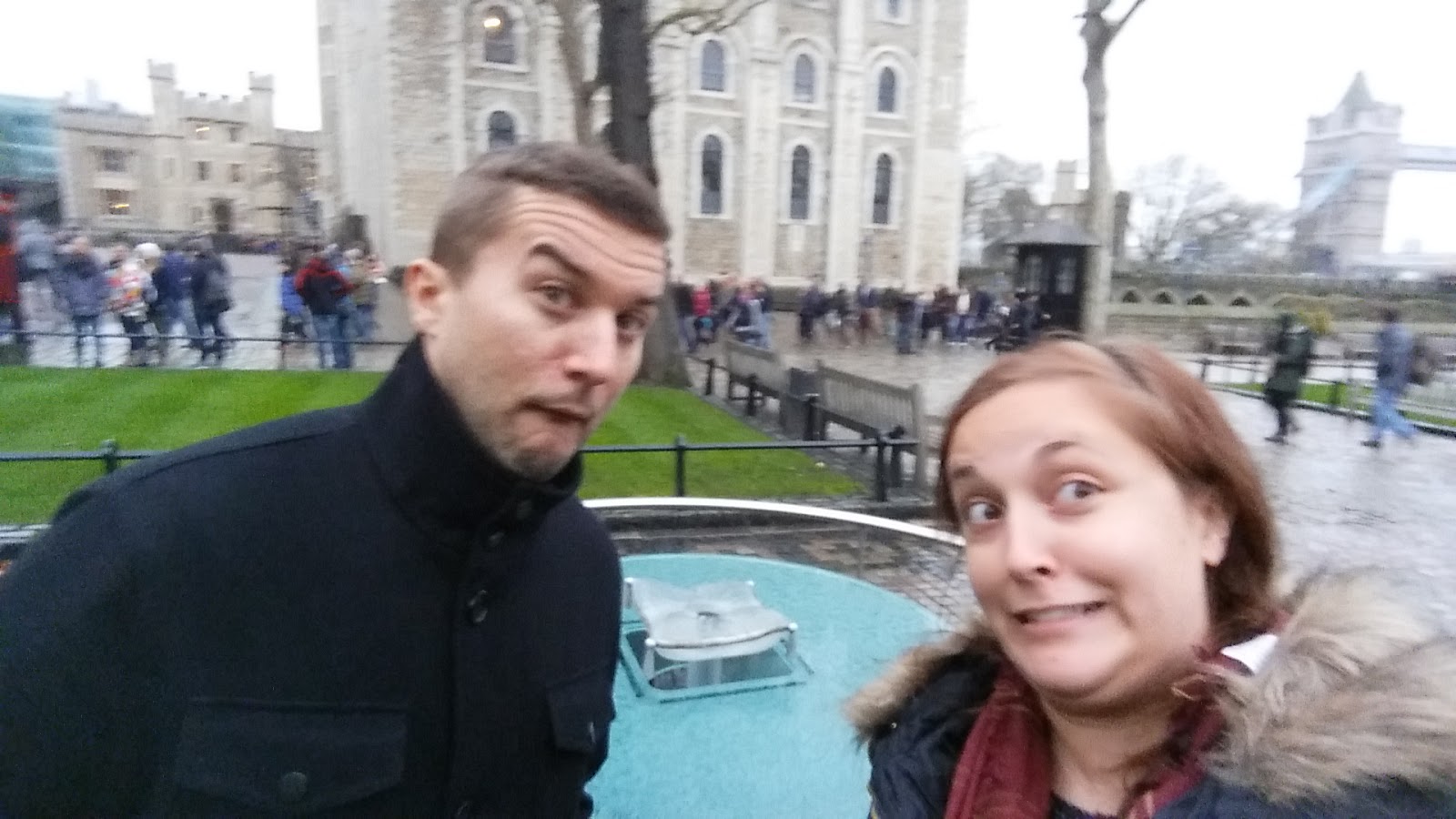
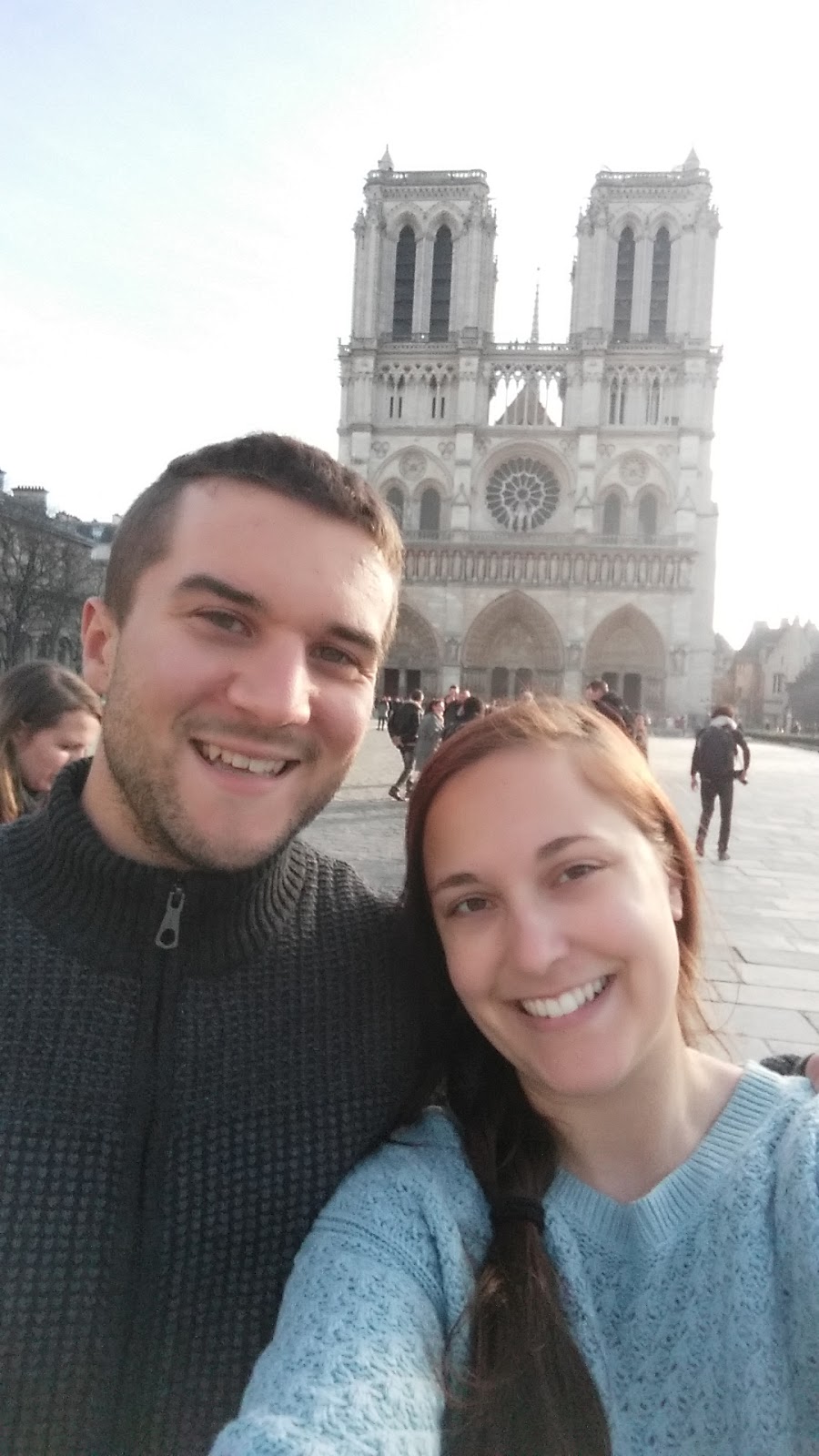
This Winter break I took the week before Christmas off ( I know ambitious but only time my husband and I could get off of work) to go to Europe for 3 weeks. It was one of the most amazing adventures I have ever experienced in my life. We were in London for a week, Paris over a weekend, Munich a week, and visiting family for another week. It was very hard to come back to the hustle and bustle that is life in America and teaching Kindergarten. I learned a lot about different cultures and even a little about the educational system in Germany. I would love to go back and just learn about the schooling systems in these countries. To just  see how they teach and be able to connect with other educators. Here are a couple of photos from my recent adventure, you can also see me add some as I update my Twitter account, follow me @hawkskhaleesi   (also if you like this blog it’s a great place to hear about my blog updates, thoughts on education, technology, Seattle Seahawks and life).
20151220_164657.jpg 20151215_140248.jpg  20151219_105923.jpg

This year I have really been bugged by the amount of curriculum preaching (curriculum driven whole group lecture type teaching) and testing I have been having to implement in my classroom. I was noticing many of my Kinders having bad attitudes about learning. It was very disheartening, I wanted to say I know kiddos I hate this too. So, I changed my teaching to include more centers, shorter sermons, and more movement. This helped immensely with the attitude change in my students and they were more excited about learning. I still was feeling unsettled like I was missing something. I started seeing more and more about the importance of unstructured/creative play time especially in the younger grades in blogs and tweets that I read. I talked to my librarian about the makerspace she was starting to create and thought how cool that would be in a classroom as well. Then winter break came and I went on my trip.

When I got back to teaching, I realized that in all the other countries I saw kids playing more. I came back with a resolution to try and realize that my job is to help students learn, yes, but also expose them to a LOVE of learning. If I am cramming things in to try and get it done for administration, that may not necessarily be what is best for my students. I wanted to incorporate more hands on activities, play, and learning tuned to their needs. Now, it is not like I wasn’t doing this before, just came back more focused to incorporate these changes. I continued talking to our librarian about how it was going creating the makerspace, what is it suppose to look like, how makerspaces worked and what we had read about them. This in combination with my resolution, created my personal classroom makerspace.

In education there are A LOT of buzzwords that fly across a screen in a blog, pinterest, twitter, etc. Makerspace is one of these words/concepts. My definition of a Makerspace is a designated space that holds materials that promotes creating for kids. Materials often include legos, blocks, crayons,paper,paint, scissors,recyclables,knex, etc.  If you stop and think right now, many of you probably already have makerspaces in your classroom without knowing it. Before I started I always pictured makerspaces as these grand areas for creating that were all beautifully decorated and designed. As I started to look into it more I found that this was not the case at all. These areas are easy to put together and have a very low cost. In my classroom I have a designated corner and table where all my maker stuff is located/stored, then students can take their creation to anywhere in the classroom to create. I have snap circuits, goldie blox, blocks, dinosaurs, legos, cars, paper, scissors, tape, and colored pencils to mention a few things.

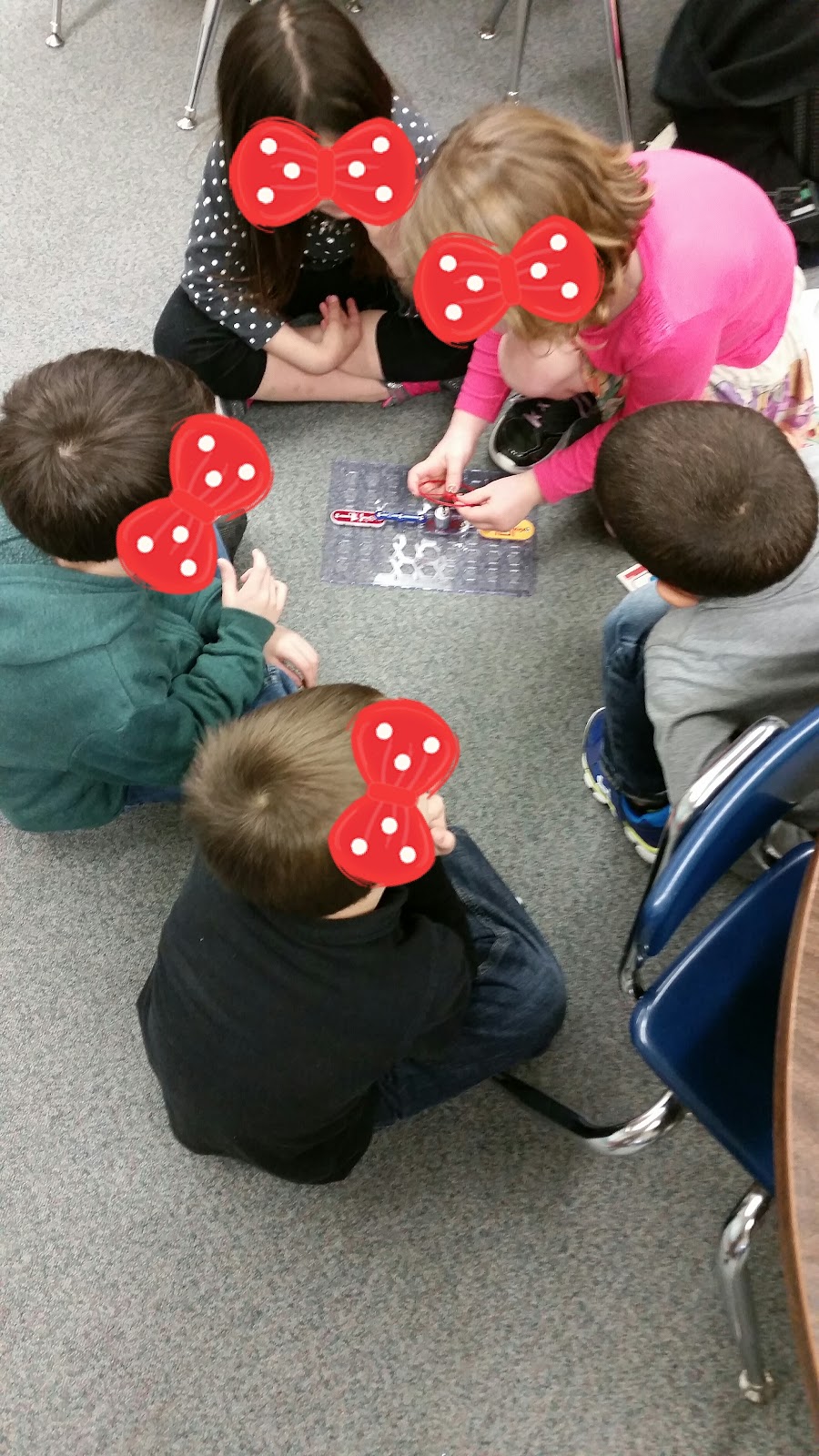
Students play with snap circuits at a desk or the floor. I have removed the batteries to avoid any potential shock scenarios, but when they are ready to try their circuit I bring the batteries over and we see if what they created works. If it doesn’t work it always opens up great discussion and problem solving where I have to say very little to promote learning. Which is always what we want to see. Students self motivated to work for the FUN and curiosity of learning. Here are the kiddos hard at work on their snap circuit.


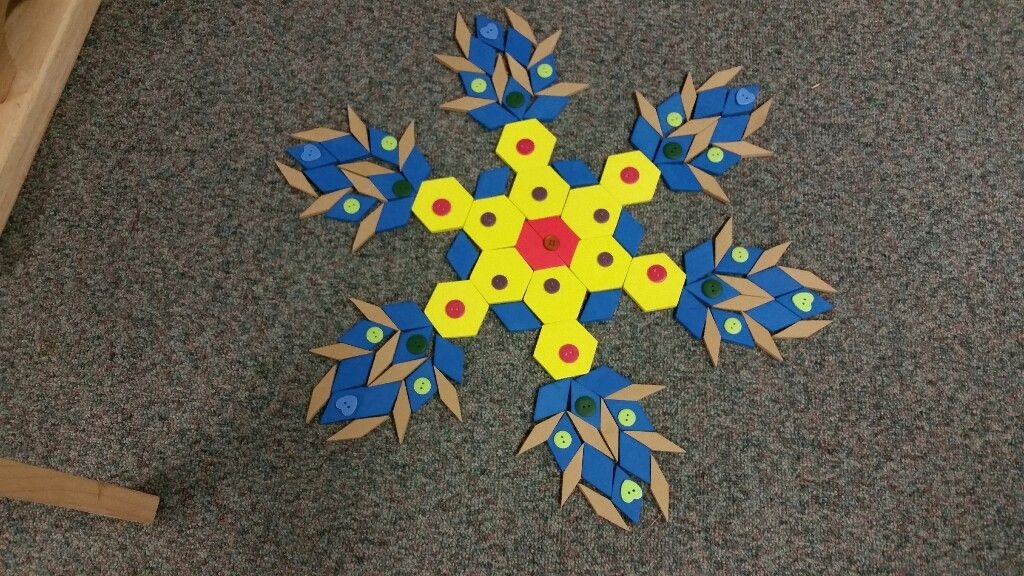
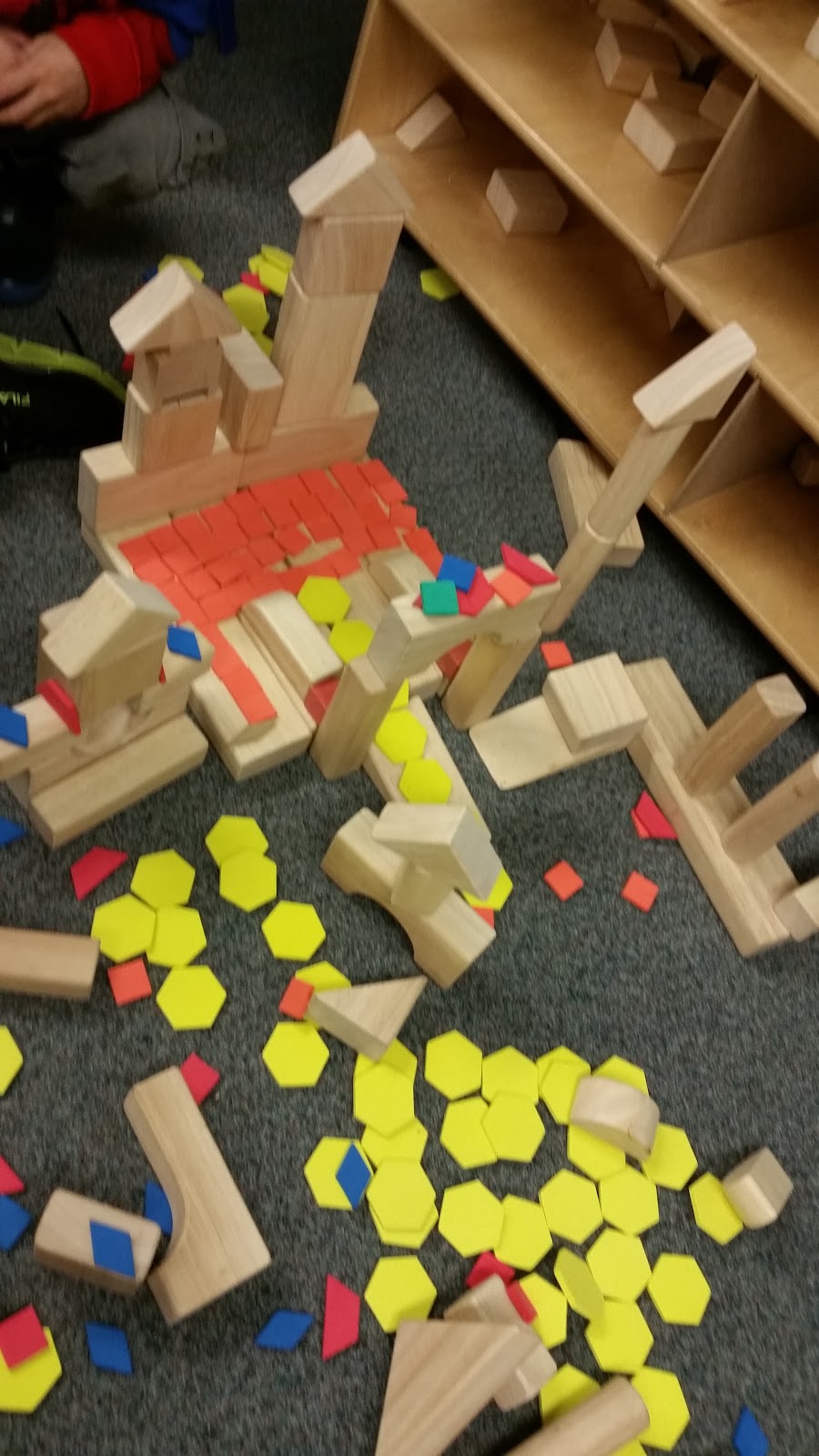
In addition to snap circuits we use blocks and pattern blocks. Here are some of the creations they have made.


Creating a makerspace is fairly easy, but finding the time for a makerspace can be more difficult. I know that with some curriculum's it can be trying to find time for kiddos to create. One way that I am currently incorporating makerspace time is through extra recess.This is an indoor play time, where students can choose to work on makerspace creations or play with other toys. Additionally, I try to incorporate time to use the resources at the makerspace area in lessons. Using stuffed animals to talk about habitat, then prompting students to build the stuffed animal a home with certain items in the makerspace. I have been thinking about making makerspace a center in my morning rotations starting this next month as another way to promote the makerspace with my students.

This blog was to let you know of what I am trying and give you a couple of ideas on how I am incorporating a makerspace into my classroom. I am by no means an expert or claim to know very much about makerspaces. Feel free to check out other sources on makerspaces. #edtechchat just had a wonderful chat about Makerspaces and MakerEd, where you can find more ideas of how educators are implementing makerspaces in their classroom. Click on link above and then click on the document called MakerEd and Makerspaces with @nathanstevens. I encourage you all to try makerspaces in your classroom. It’s a great way to incorporate play and exploration.

I recently learned of another initiative on bringing play back into schools called Global School Play Day, which is on February 3rd. Look for my next blog on how this day went in my classroom.

Until next time Play more, teach passionately,use tech,and be Kinder,
Lara
Friday, July 31, 2015

Just GAFEn' go for it! Palo Alto Gafe Summit 2015

Hello Everyone,


It has been about two weeks since I attended the Edtech team Gafe Summit in Palo Alto. What an amazing time! I need to give a big THANK YOU to everyone in the Edtech team for putting on yet another amazing conference but also being willing to help me with a selfie challenge.


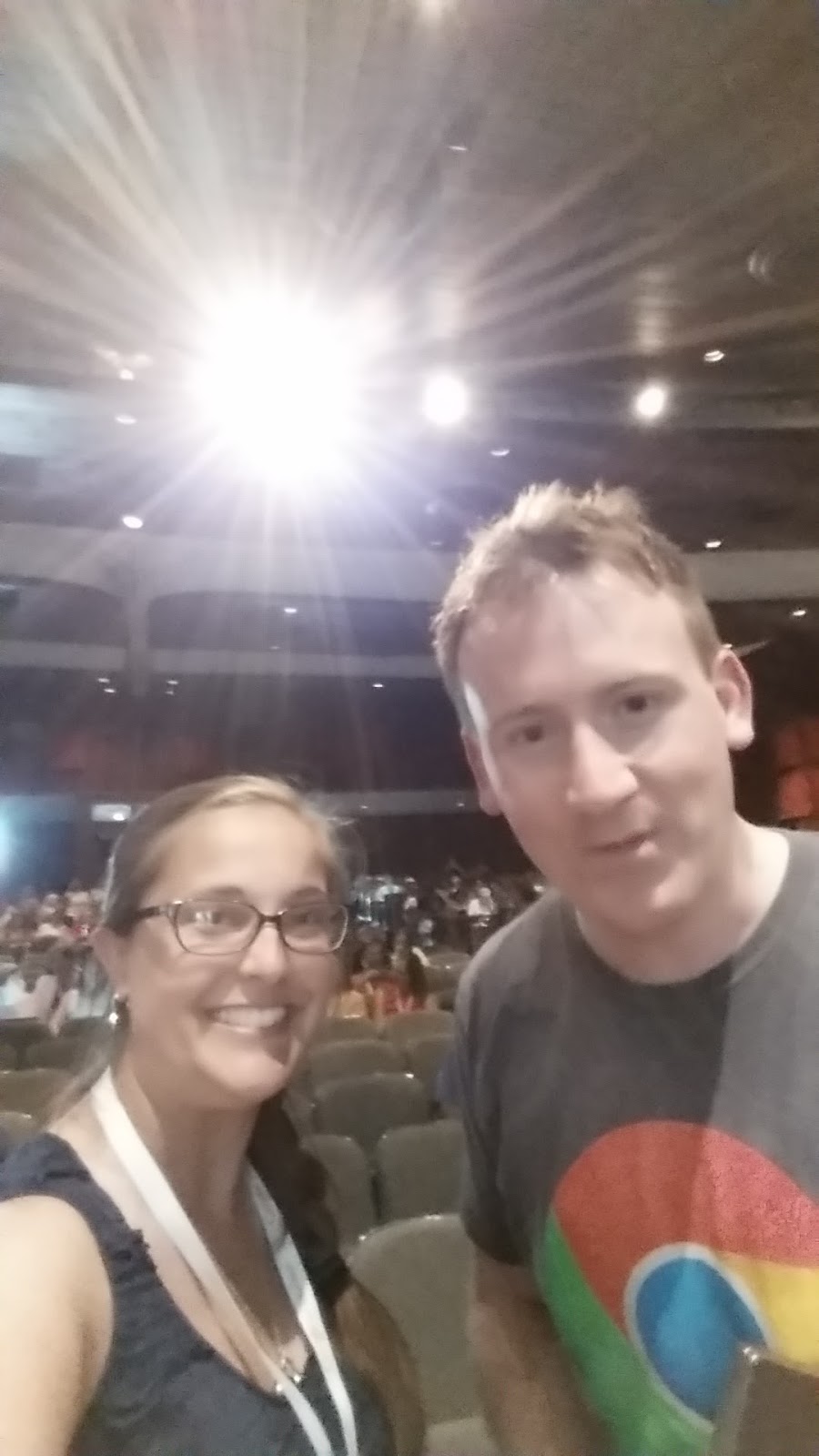
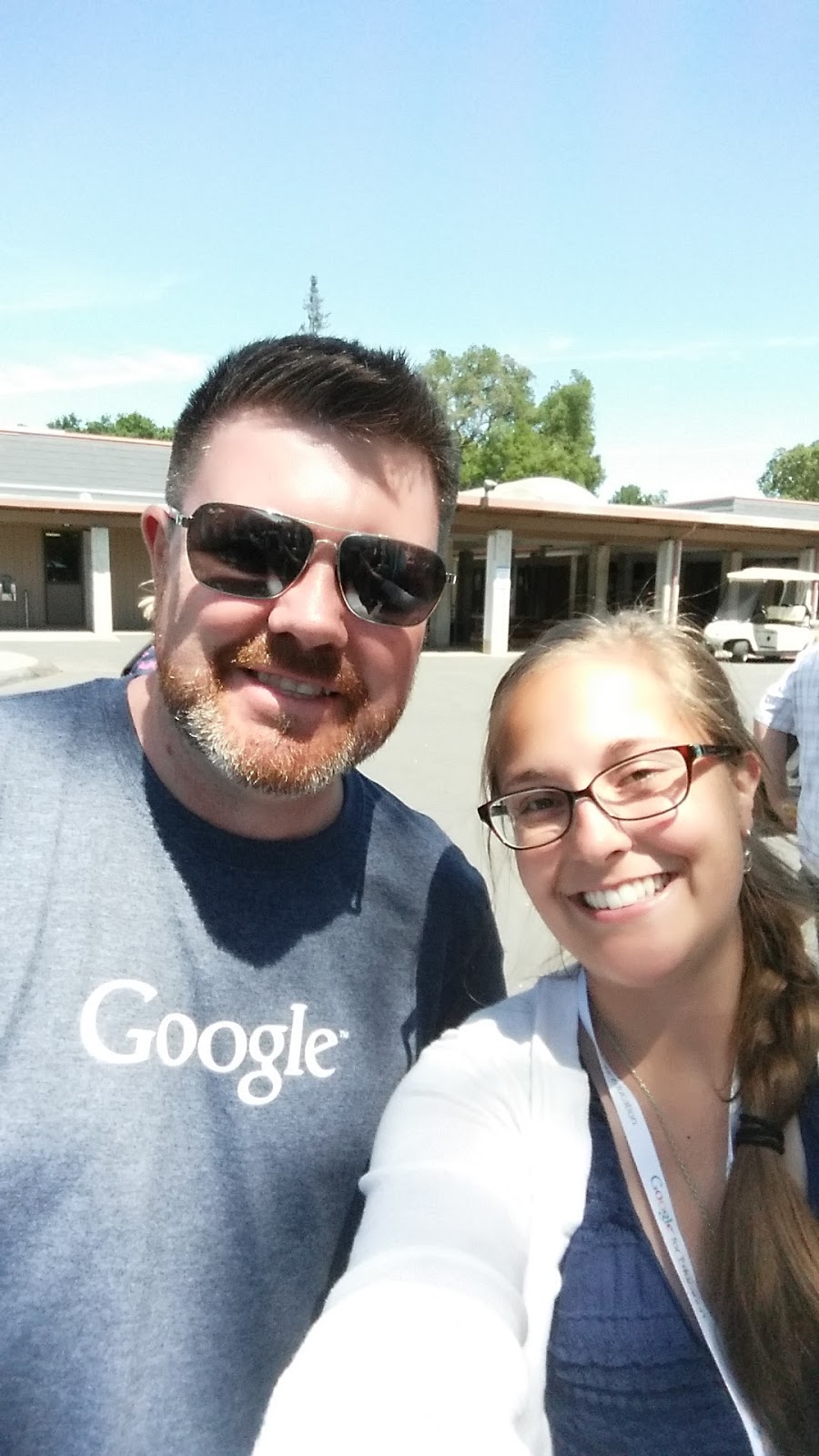
If you are following me on Twitter you may have seen me post pictures with a bunch of different Edtech team members. Inspired  by a recent Ignite session, I attended while #notatiste15, about how to get the most out of a conference via selfies and the GAFE 1st day keynote speaker Jennie Magiera, encouraging us to “do something nuts.”Helped me to branch out and create a selfie challenge: I challenged others and myself to take a selfie with members of the Edtech team. The process started out with a feeling of , OMG so nerve racking! Everyone was super nice, but there is always that awkward moment of hey you have no clue who I am, but I know who you are, can you take a picture with me. Additionally, the whole inner dialogue you have with yourself trying to meet someone who inspires you for the first time; what do I say, please don’t let my hands be sweating profusely, do I have anything in my teeth, OK words think of words! Finally, words come out that don’t always follow the rules of a proper sentence, you get a picture, you remember to thank them (thanks Mom and Dad for drilling manners into me!), and walk away like oh my what did I even say! When all was said and done, it was really wonderful. I was able to have some semblance of a conversation with people who have helped to shape a wonderful world of educational technology and shaped my philosophy of technology in education. Again, Edtech team thank you for being patient and wonderful with my selfie requests and nervous conversation. Here are some of the amazing selfies I was able to capture.

20150711_161954.jpg20150711_144323.jpg
 IMG_20150712_125718.jpg  


While taking selfies was quite the adventure, you probably don’t want to read a lot more about my inner dialogue and may actually be reading for content from the conference. There were many different important educational messages presented at the conference, while writing them all down I realized they all went together. Here are some of the main points of the keynotes and even the classes I attended. Do something Nuts, Allow students to F.A.I.L. (First attempt in learning), Don’t be afraid to fail, press buttons!  All these ideas came back to creating a culture that promotes these philosophies and leads to more student centered instruction.


One of the most powerful classes that helped reiterate these messages was lead by Jeffrey Heil, titled WTF: Why teach Failure? The class looked at the idea of what we are wanting students to be able to obtain in the classroom and how he has used a growth mindset model and created instructional materials in his college classroom. The most impactful time was the time to reflect and discuss with other teachers in our band (elementary, middle, high school) to bounce ideas off of and gain feedback from Mr. Heil and other peers on how we want to implement  a non failure teaching philosophy . These ideas are strongly based in Standards based learning and growth mindset. Which promotes allowing students to go back and redo assignments and allowing for failure without feeling discouraged about it. The focus is on students being able to revise and redo until mastery is reached. This also allows for differentiation so that those kiddos that are struggling can be able to get the direct teaching help they need. While those kiddos more advanced have different goals to reach.


Before heading out for Palo Alto I had been really wanting to implement a badge system in Kindergarten, but was not sure how to accomplish this method. While talking with my in laws about how currently in education I am seeing more parents wanting individual learning plans for their children and how with 25+ kiddos in a class I am struggling to find the time to be able to meet all my students needs. I stated that it would be great to be able to take a book like thing and be able to give the students stickers for things they know. I could show parents what they know and what they still need to learn.This idea was able to blossom during the WTF class and I was able to receive feedback about how to approach beginning to make such a huge project. Once I explained my idea it was suggested to start small choose one area to focus on.  I decided to only focus on the ELA CCSS this year. I am currently developing a book from Slides that my students would be able to use for such a purpose and look forward to sharing it with all ya’ll.  


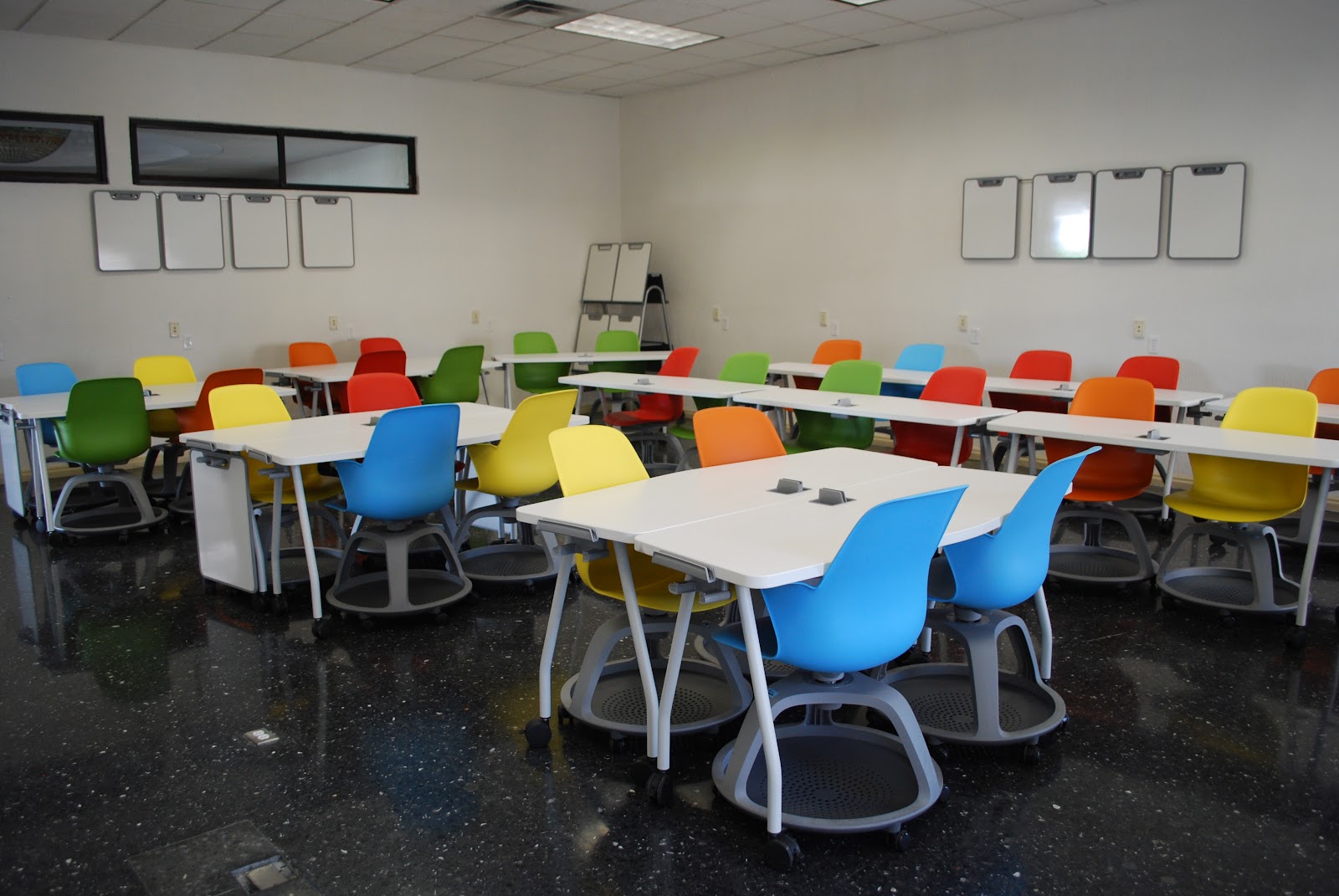
Another powerful class was a session on classroom design lead by David Jakes. He showed us several classrooms and talked about how to create innovative spaces in your school. The biggest thought provoking idea I got from him was. “When someone enters your classroom door, what does your setup say about the learning that takes place in that space?” WOW powerful! We talked about how different classroom designs tell you different things.I began thinking about what my space was communicating and what I want it to communicate to people who enter.  Here are some examples of what I am talking about:


Truth about Online Schools   
This traditional setup tells the person entering that the students are expected to listen and not talk or collaborate.
Redesigned classroom with 
While something like this tells the person entering that the students will be expected to collaborate on work in teams, move around and listen to some lecture.


The conference helped me develop an affirmation to be able to do something nuts. The conference also helped me to search ,as I feel many teachers do an ask big questions, such as: What is my job as a teacher? What do I want to teach my students? and What do I need to teach my students? I realized that the philosophical change to a growth mindset and allowing for failure needs to be a culture that is supported within the school to help students receive the best education.


I come away a little overwhelmed but more inspired. This inspiration has left me with 2 main goals: 1- Design a space that allows for the best learning environment for my students.
2- Implement and if need be develop a program to allow for the best possible education for my students, that will meet their educational needs.

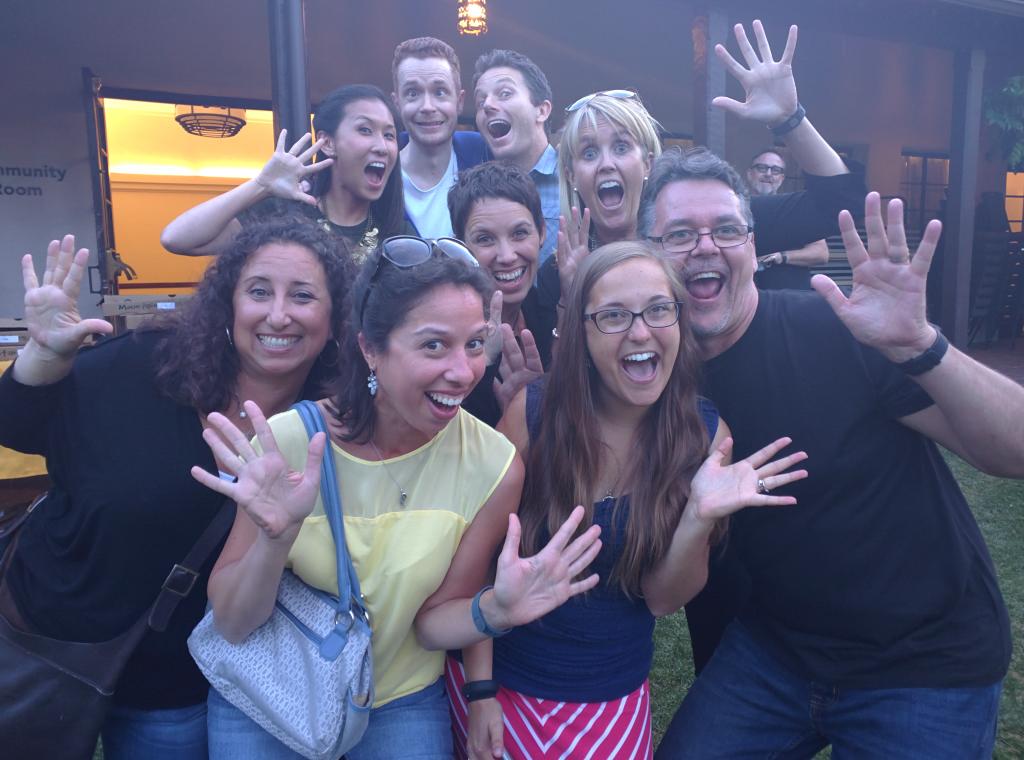
The GAFE summit was an amazing opportunity to be able to learn from some amazing innovators in the field of education. I was able to add many new friends to my growing PLN and meet some members of my PLN in person. I highly encourage others to attend and learn from the amazing education leaders in your area and take some selfies with educelebs.  


Lara

Friday, July 3, 2015

#NotatIste15
It has officially come to an end ISTE 2015 from Philly. For those of you not familiar with ISTE it is a large educational technology conference held every year in a different city. ISTE brings together passionate educational teachers,coaches, and admin as well as educational technology companies. It is usually about 3 days with LOADS of information floating around and thousands upon thousands of connections to be made.  

Unfortunately, the price tag can be steep when you calculate ticket ( approx. $200-500), airfare (if your not local), hotel, food, etc. For a younger teacher with loads of student loan debt this is just not a possibility this year. I was totally bummed to not be attending and was more disappointed at all the information and connection I was going to miss out on. As I perused the internet I saw a friend of mine tweet about #notatiste15. I was intrigued so I followed the rabbit hole that lead me to the Notatiste15 Google+ community. I asked to join and was accepted!! There was a make a badge document that I started in on, which was fun to see all the different people in the community. Then I started doing what I do best, clicking! I started to discover other events that where taking place like: Karaoke, Door Prizes, Challenges, Hangouts, and more.
Not at IsTE.png

Right about now, I was having a very real moment with myself, not sure how this all worked and how much I wanted to be involved. Then I decided to troll along on twitter and attend some of the hangouts. Oh how glad I am that I didn’t just sit in the shadows. I started to get more intrigued and started to dive in more. In making the decision to engage in conversations and follow along, I was able to make some great connections and learn a lot!!
BxJVSR6IQAAfH87.jpg


Here are three big things I learned from #notatiste15!

  1. PERISCOPE: I believe I learned about periscope when someone ( probably my new connection @craigyen) on the #notatiste15 feed posted a message and link on Twitter. From that click on, my view of life was blown into a new technological dimension! The video was this guy named Tony walking around looking at different Poster sessions (kinda like presentation about different things tried in classrooms, apps smashed, etc.), he had a microphone and everything. My first thought was why is it in vertical frame, and he is a journalist for a edtech company (I mean he had the microphone and all). Oh how wrong I was, as I continued watching, Tony said something about how you can not comment if you are on a computer.What you can have discussion on this thing and it’s live?! Disappointed for a second but then……. elation, as he said if you download the app on your phone you can comment. DONE! Oh my goodness as I continued to watch from my phone and comment and participate I realized, Tony was just a dude at ISTE willing to take a bunch of random people on a journey. He talked about how he is usually shy and how this was helping him to ask questions and help others. WOW, let’s just think for a moment how empowering this is, It connects people across the world together to be able to experience in real time an event many could not attend and empower someone to reach outside of their comfort zone!! I’ll wait while that soaks in………………..Ok that should be a long enough pause. By following @tonyvincent I was able to learn about app smashing at different schools, meet new people, and learn about educational technology. I was so inspired by how simple he made it look, how effortless (even though I know it wasn’t), that he inspired me to Periscope from the GAFE summit I am attending next week in Palo Alto. I don’t know if I will have a nice microphone like Tony’s but I am going to push myself outside of my comfort zone. I want to thank @TonyVincent for being such an inspiration. After I experienced Tony’s periscope I started looking for other periscopes and found an Amazing one that @edsurge did recapping each day, it became my nightly video. There are so many more amazing periscopers out there. Download the app and search for people you follow on Twitter. It is available for Android and Apple products!
 
  1. VOXER: I was originally very skeptical of Voxer. Voxer is a messaging system where you can leave recorded messages for people.  I didn’t understand the purpose behind it. Why would I want to leave a voice message when I can already do that within my text messaging system on my phone? I heard a lot of people talking about how there were sessions from the conference on Voxer. I was still skeptical of the advantages of Voxer. Then, @craigyen invited to participate in Voxer karaoke. OK let me start off saying I have NEVER done karaoke in my life and never really felt a need to, but again in the spirit of ISTE I wanted to connect. So people started to sing and as they where singing I was able to message them text in real time. I finally decided to give it a go, I was soooo super nervous. I hit the little record button and as I was recording people left audio and text messaging. After that I was hooked, whether on Karaoke or Voxer we will never really know. I went on to perform many more songs and listen to the encouragement that was taking place. I also started to see how powerful a beefed up recorder could be even in today’s super technological world. You are able to get a better sense of others in the community, we listened as one member sang with her new baby boy. As a community we laughed at song choices, praised others with their voice, encouraged the timid, and just had a plain good ol' time. Voxer allows for connections to be made over various subject areas. Could you imagine using this tool as a music teacher, have your kids perform a piece for you on Voxer and then be able to give them real time hints and tips, even if they are at home sick,or on a vacation. Students could listen to lessons in real time, or go back and re-listen to something they may have missed. There are probably a 100 more ways for this tool to be useful, but it is still pretty new to me. Check it out!

  1. Teachercast: Teachercast is one of my main follows on Twitter @teachercast. They provide great podcast and videos about different educational topics. This year, they were able to broadcast live from ISTE. Teachercast invited different guests on to discuss products, experiences, and other interesting educational adventures.They even broadcasted live from the Microsoft booth! Even though I teach at a GAFE school and live near Seattle, I am always intrigued to see what Microsoft is going to do next. I learned that at the end of July (29th I believe) that Microsoft will be releasing Windows 10, and that if you currently have Windows 7 or 8 that the upgrade will be FREE (my favorite word)! There were many other amazing revelations about Microsoft products, I encourage you to go to their Youtube channel and subscribe https://www.youtube.com/user/TeacherCast/videos . The live broadcast was another way for us not at ISTE to be involved in the process. The live feed being on a Youtube channel allowed me to be able to project the feed to my Chromecast. Oh the greatness of technology! I was literally watching the Teachercast broadcasts, taking notes, periscoping, and tweeting all at the same time. (It was a little bit of a multitasking headache). The other great thing about the broadcast was the ability to go back and listen again to a point that resonated with me or an address,or twitter handle that I missed. Teachercast live from ISTE was another way for me to gain knowledge from amazing educators and hear talks from people I would have missed out hearing from.  

There are a thousand other things that I could blog about; all the connections I made, apps that I saw, things that I learned, but the overarching message that came from all of this was how much technology brings us together and can empower us in education. Even though I was unable to attend the ISTE conference this year, I am already looking forward to ISTE next year in Denver, hoping to go and see you all there.

Lara

Thursday, June 25, 2015

QR codes in Kinder

Greetings Everyone,
It is officially summer time! Every year I pledge to try and take a month off of school. This entails mostly no going into the school, but also no working on things for the next year as well. It may seem a little extreme but it is necessary for me to keep my sanity. Additionally, it allows me time to reflect on the previous school year and make notes about what I am going to change. I know that the reflection process can lead very easily into the planning stage. So I make notes of what I am wanting to accomplish in the next year, so I don’t break my own rules.

One of the big things on my list is QR codes. This last year I began learning about qr codes. I have seen them on posters, at grocery stores, and on Pinterest, but just started really learning about and using them this year. Part of the huge push for me was that my school is transitioning to a STEM school and this year our focus was on Technology and math. As part of the transition we were blessed with a grant that allowed us to purchase Chromebooks carts for 2nd-6th grade and 5 tablets for each K-1 classroom. As I was looking at ways to really make my new technology beneficial for my students and more than games, I ran into a lot of interesting blog posts and tweets about QR codes.

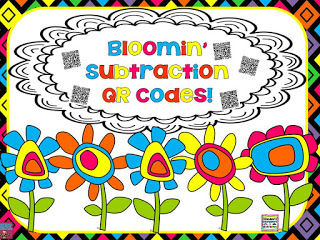
Using the QR codes was a great way to go beyond using the tablets as a gaming or time filler device to a teachable device. I started out by researching QR scanning apps and with the help of the Google Play for Education market was able to easily find the QR scanner app. Once the app was pushed out to my tablets. I taught my kinders about Qr codes. I talked about how it allows you to scan a code and then see something from the code, it can be a video, a word, a math problem, or a picture. I then showed students how to get to the QR scanning app and then pulled up a QR scanning document found for free on TPT from Smorgasboard. 
Slide1.JPG   ksbuttonsmall_edited-1.png

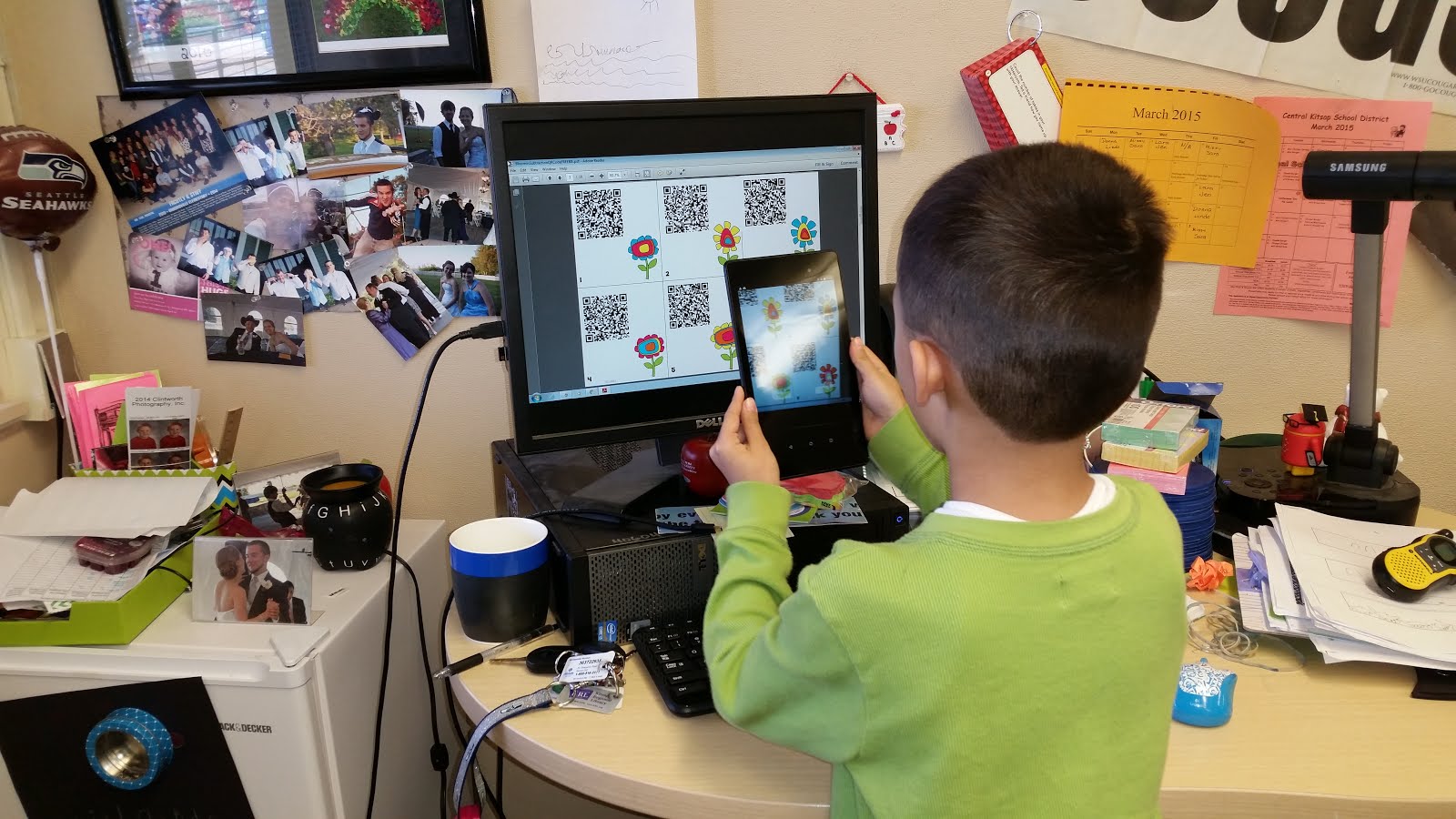
I had my 25 kiddos line up and one by one scan on of the QR codes on my desktop with the tablet. The code produced a subtraction problem which we were learning about in class at the time and then they had to answer the problem to pass it on to the next person. Once they were done they went and worked with manipulative at their seats to practice subtraction.
20150312_112829.jpg

After this lesson, my students started looking for and seeing QR codes everywhere. They wanted to scan every QR code they found. So we had to set some rules, as we found the QR scanner at times would let them bypass the filter and get to things like Amazon. The rule became unless we have talked about using QR codes for class then we don’t scan QR codes we find without permission.

Seeing my kinders excitement over using QR codes I decided to try and find another free TPT Qr document I could use in class. I found this cute document that had them scan a code and then would link it to a private secure Youtube channel of a celebrity reading a children’s book. I was so excited to get the codes and use them in class. I printed using the color printer and laminated them. I had them all set out and reviewed with my kiddos about how to use the QR scanner. I set it out as a center during my small group time. I ran this center to help ensure that I could handle any glitches that arose while the students were trying it for the first time. Luckily, I had done this as we instantly ran into the filter and I had to login in to my personal account to override the filter. Unfortunately, this took me approximately 20+ minutes to override each one. I called my IT and realized that they were not aware of what a QR code was or how it was used. A little deflated after this interaction with my IT department I stopped using QR codes.

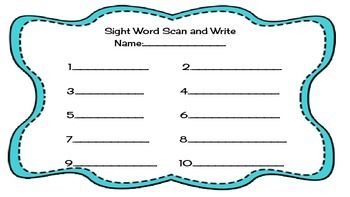
A couple months went by and I was getting ready to participate in the Google Education onAir, where I participated in a class on QR codes. Seen here: https://youtu.be/jK8bIZGfh_k?t=2m56s. It was super inspiring to be able to see how easy it can be. A couple weeks later we were having a group of educators from the district come and see how technology was used within the classroom at our school. I made up some sight word QR codes using Google sheets like shown in the training video. I just printed them on paper and taped them around the room and I created a simple document to accompany the QR codes, where students would write their sight words they found. I again reviewed how to find the QR scanner with my students, and showed them that the print may be really small. When the visitors showed up and my small groups where running, my kinders were working like boss’. They were scanning and writing excitedly. They pulled the adults into show how the scanner worked and then the process they were doing and why they were doing it. I was a proud little teacher. Kinders I had worked all year with that struggled to write or explain a process where now fully engaged.
020d8f7d5808f203cc35c0417bd79b03.jpg
As I reflect back on this moment of awe, I was determined to use QR codes more in this next upcoming year. Hoping to continue to inspire and innovate the thinking of my kinders. I was also thinking about using them: at the beginning of the year for back to school parent nights, helping to get my kiddos to websites for working on the tablets, and much more.

Please feel free to comment and let me know about your QR experiences or  if you would like help with starting QR codes.

Enjoy the summer,

Lara